


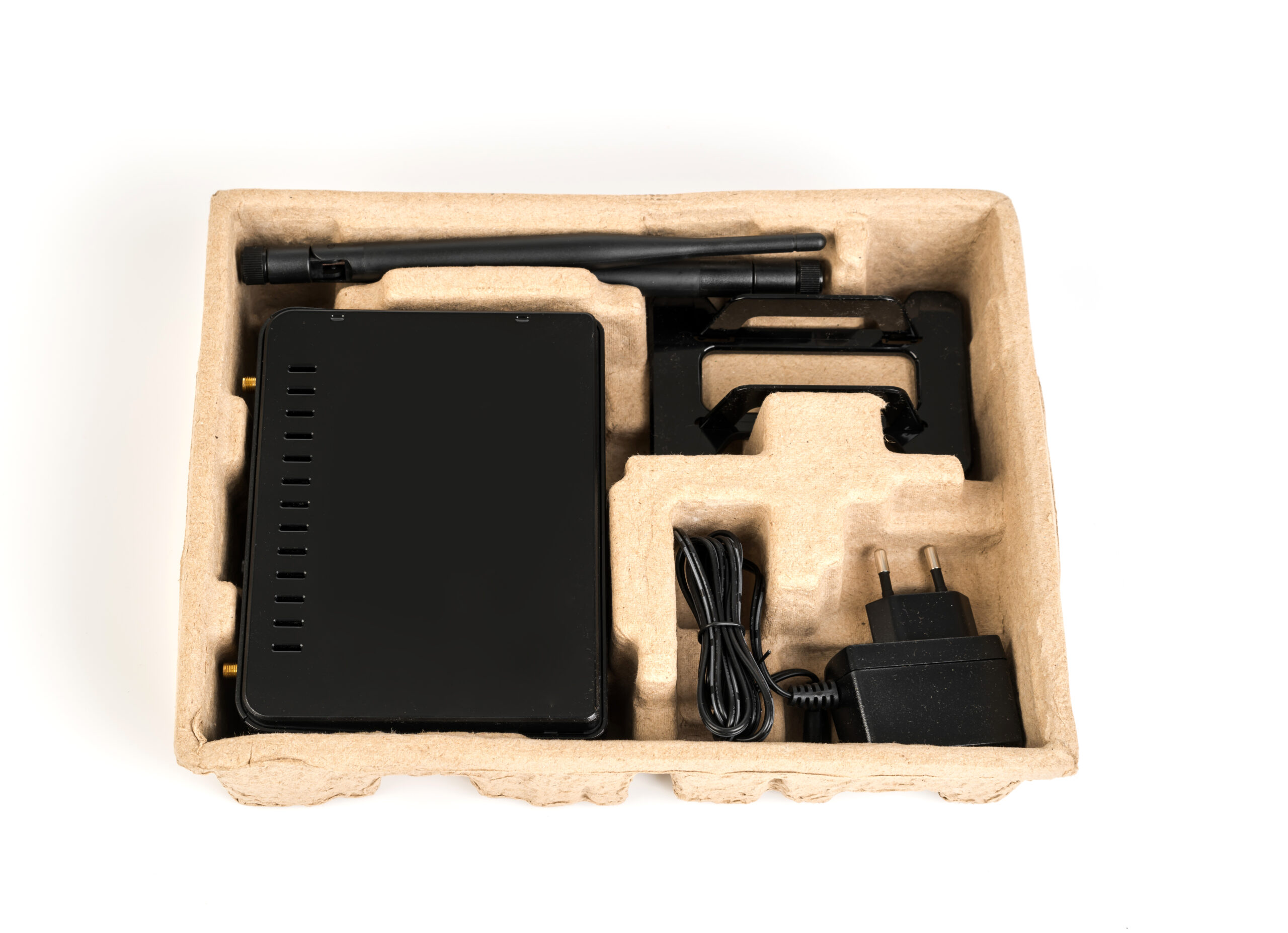
In today’s digital world, businesses depend heavily on reliable and fast network connectivity. Whether it’s accessing cloud software, sharing files, connecting printers, running CCTV systems, or managing servers, a strong internal network is essential.
One of the most important devices that makes this possible is a network switch.
If you run a business, office, school, cyber café, or even a small startup, understanding how network switches work can help you build a faster, more reliable, and more scalable network infrastructure.
This guide explains what a network switch is, how it works, and why your business may need one.
What Is a Network Switch?
A network switch is a hardware device used in computer networking that connects multiple devices within a Local Area Network (LAN).
These devices can include:
- Desktop computers
- Laptops
- Servers
- Network printers
- IP phones
- CCTV cameras
- WiFi access points
- Network storage devices
The switch allows all these devices to communicate with each other efficiently within the same network.
Unlike older networking devices such as hubs, switches intelligently direct data only to the device that needs it, improving network speed and efficiency.
How a Network Switch Works
When devices connect to a switch using Ethernet cables, the switch learns the MAC address of each connected device.
When data is sent across the network:
- The switch receives the data packet.
- It checks the destination MAC address.
- It forwards the packet only to the correct device.
This process is called packet switching.
Because of this intelligent routing:
- Network traffic is reduced
- Data transfer becomes faster
- Network performance improves
Switch vs Router: What’s the Difference?
Many people confuse switches with routers, but they serve different purposes.
| Device | Function |
|---|---|
| Router | Connects your network to the internet |
| Switch | Connects devices within your local network |
Example:
Your office network setup might look like this:
Internet → Router → Network Switch → Computers / Printers / CCTV
The router connects to the internet, while the switch distributes the connection across multiple devices.
Types of Network Switches
Businesses can choose between different types of switches depending on their needs.
1. Unmanaged Switch
An unmanaged switch is the simplest type.
Features:
- Plug-and-play
- No configuration needed
- Affordable
- Ideal for small offices
Best for:
- Small businesses
- Home offices
- Simple networks
Example brands:
- TP-Link
- D-Link
- Mercusys
2. Managed Switch
A managed switch offers advanced control over the network.
Features include:
- VLAN configuration
- Traffic monitoring
- Security control
- Bandwidth management
- Remote management
Best for:
- Medium businesses
- Corporate networks
- IT-managed offices
Popular brands include:
- Cisco
- Ubiquiti
- MikroTik
- Netgear
3. PoE Switch (Power over Ethernet)
A PoE switch can deliver power through the Ethernet cable.
This means devices like:
- CCTV cameras
- Wireless access points
- VoIP phones
Can receive power and data from the same cable.
Benefits:
- Fewer power cables
- Cleaner installations
- Easier device deployment
PoE switches are commonly used in:
- Security camera systems
- Hotels
- Offices
- Smart buildings
Key Benefits of Using a Network Switch in Business
1. Expands Your Network
Most routers have only 4 LAN ports.
If your office has:
- 10 computers
- 3 printers
- CCTV cameras
- Access points
A switch allows you to connect dozens of devices easily.
2. Improves Network Performance
Switches reduce network congestion by sending data only where it is needed.
This results in:
- Faster file transfers
- Smooth video calls
- Stable cloud access
- Better system performance
3. Supports Business Growth
As your company grows, your network needs will increase.
Switches allow you to:
- Add more devices
- Expand departments
- Build scalable infrastructure
4. Improves Network Organization
With a structured network using switches, your IT infrastructure becomes easier to manage.
This helps with:
- Troubleshooting
- Network monitoring
- Security control
- Device management
5. Enables Advanced Networking Features
Managed switches allow businesses to implement powerful networking technologies like:
VLANs (Virtual Local Area Networks)
These separate network traffic.
Example:
- Staff network
- Guest WiFi network
- Security camera network
This improves security and performance.
Quality of Service (QoS)
QoS prioritizes important traffic like:
- Video conferencing
- VoIP calls
- Cloud software
Ensuring critical business operations run smoothly.
How Many Ports Should Your Switch Have?
Switches come in different sizes depending on how many devices you want to connect.
Common options include:
| Ports | Use Case |
|---|---|
| 5 Port | Home or small office |
| 8 Port | Small business |
| 16 Port | Medium office |
| 24 Port | Growing company |
| 48 Port | Enterprise network |
Always choose a switch with extra ports for future expansion.
Gigabit vs Fast Ethernet Switch
When buying a switch, you will see two common speed options.
Fast Ethernet
Speed:
100 Mbps
Suitable for:
- Basic office work
- Light internet use
Gigabit Ethernet
Speed:
1000 Mbps (1 Gbps)
Recommended for:
- Businesses
- File sharing
- Servers
- Cloud systems
- CCTV systems
Most modern offices should choose Gigabit switches.
Signs Your Business Needs a Network Switch
You should consider installing a switch if:
- Your router has no more LAN ports
- Your office network is slow
- You are installing CCTV cameras
- You are adding more computers
- You want better network organization
- Your business is growing
How to Install a Network Switch
Installing a switch is simple.
Step 1
Connect an Ethernet cable from your router to the switch.
Step 2
Connect all office devices to the switch using Ethernet cables.
Step 3
Power on the switch.
The devices will automatically receive network connectivity.
For managed switches, configuration may be done through a web interface.
Best Network Switch Brands for Businesses
Some reliable switch manufacturers include:
- Cisco
- Ubiquiti
- TP-Link
- MikroTik
- Netgear
- D-Link
Choosing a reputable brand ensures better stability and long-term reliability.
Final Thoughts
A network switch is one of the most essential components of a modern business network. It allows multiple devices to communicate efficiently, improves network performance, and supports business growth.
Whether you run a small office or a growing company, investing in the right switch can make your entire network faster, more reliable, and easier to manage.
If your business depends on computers, internet connectivity, or cloud software, a properly configured network switch is no longer optional — it is a necessity.











Leave a Reply